

DO YOU HAVE QUESTIONS OR PROBLEMS WITH THE HOPPSTAR ROOKIE?
Then this is the place for you!
PLEASE TRY FIRST

TURN OFF AND ON
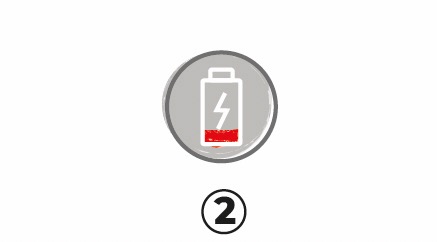
CHECK BATTERY
PLEASE CHARGE WITH CORRECT VOLTAGE.
IF THE CAMERA DOES NOT CHARGE, CHECK THE CABLE AND POWER ADAPTER.

RESET CAMERA
NOT WORKING?
THEN IT IS PROBABLY A SOFTWARE PROBLEM*
*What is a software problem? Find some examples below:
Your camera cannot be turned on,
your camera crashes or freezes,
you cannot take pictures,
the camera turns off by itself
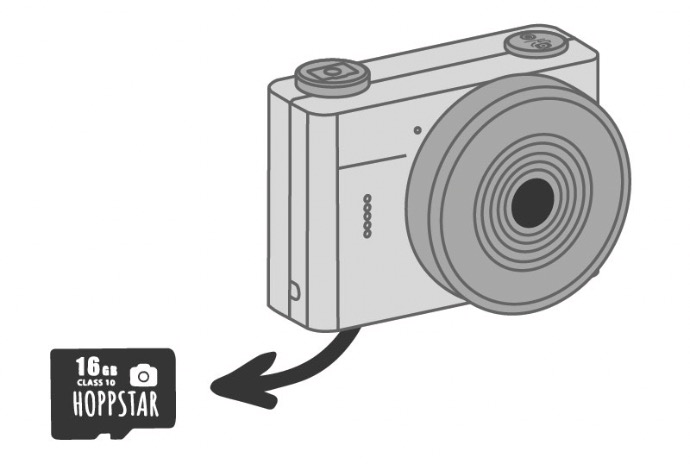
1. – REMOVE THE SD CARD
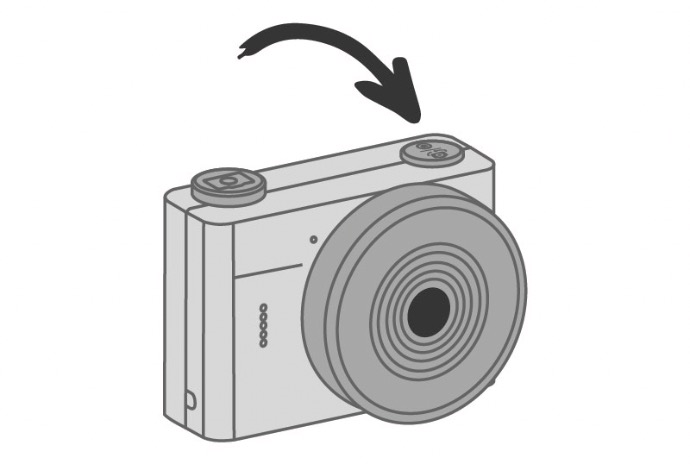
2. - TURN THE CAMERA OFF/ON
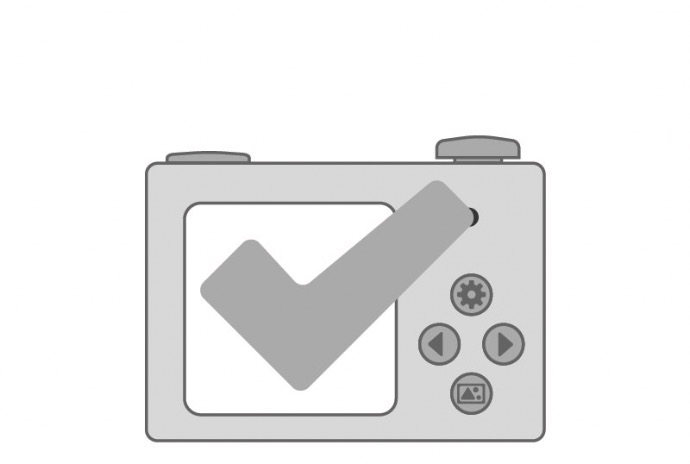
CAMERA WORKS WITHOUT SD CARD
If the camera works without SD Card, there is a problem with the Card. Pls format the SD-Card on your Laptop/PC or contact your shop to exchange the SD-Card.
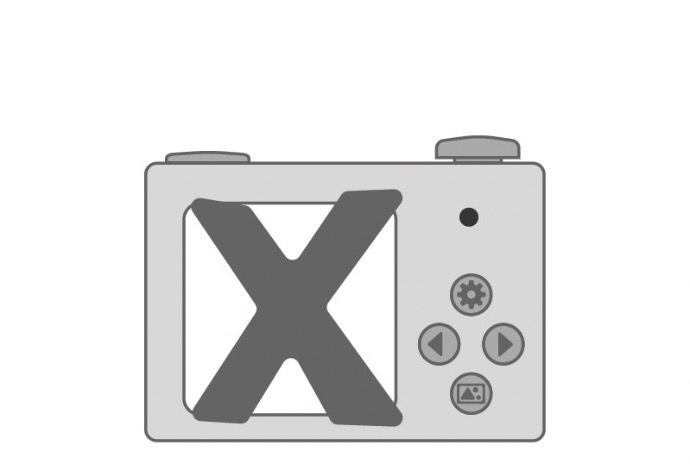
CAMERA DOES NOT WORK WITHOUT SD CARD
Please contact the shop to exchange the camera!
DID YOU BUY YOUR CAMERA IN OUR ONLINESHOP?
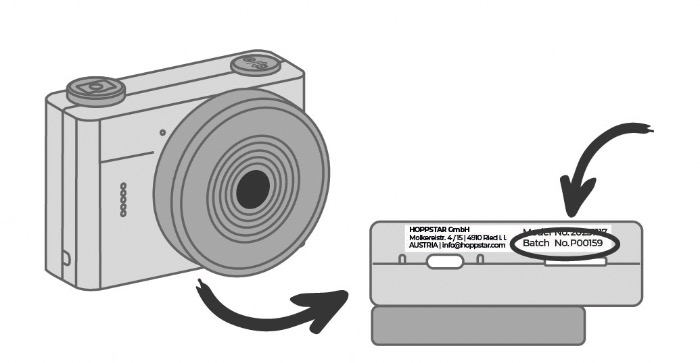
Please check the Batch No. on the product sticker. The product sticker is located on the bottom of the camera (Please take off the silicone case first).
Please fill in the form with all Product Infos, Batch No. and a detailed description of your problem
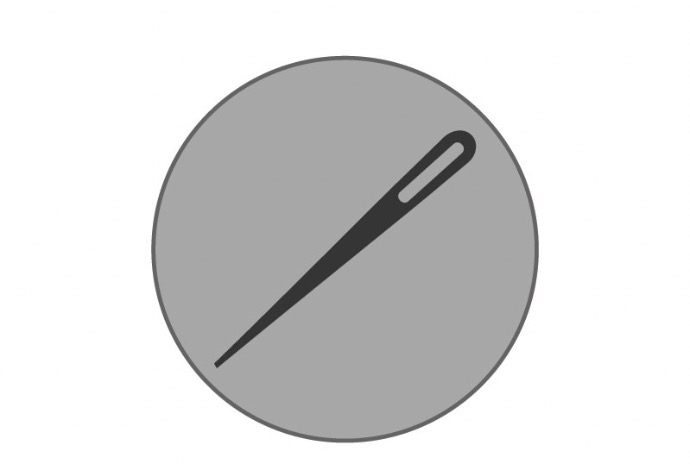 TAKE A NEEDLE OR SIMILAR
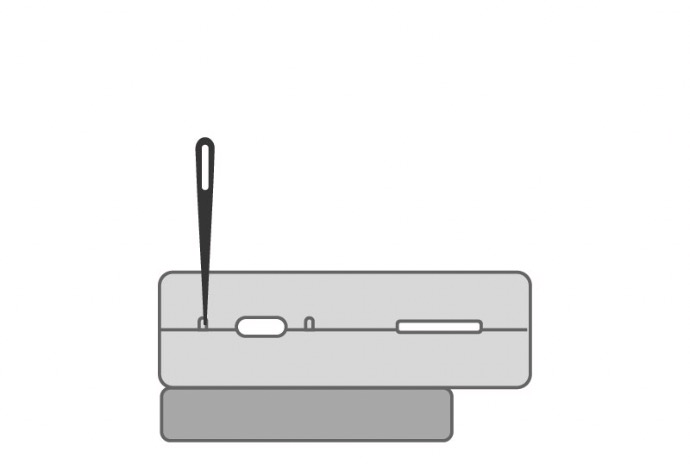 PUT THE NEEDLE INSIDE TO PUSH THE RESET BUTTON